Caldwell 13
NGC 457, Owl cluster, E.T. cluster
34’ x 23’ | 0.3”/px | 6900 × 4600 px
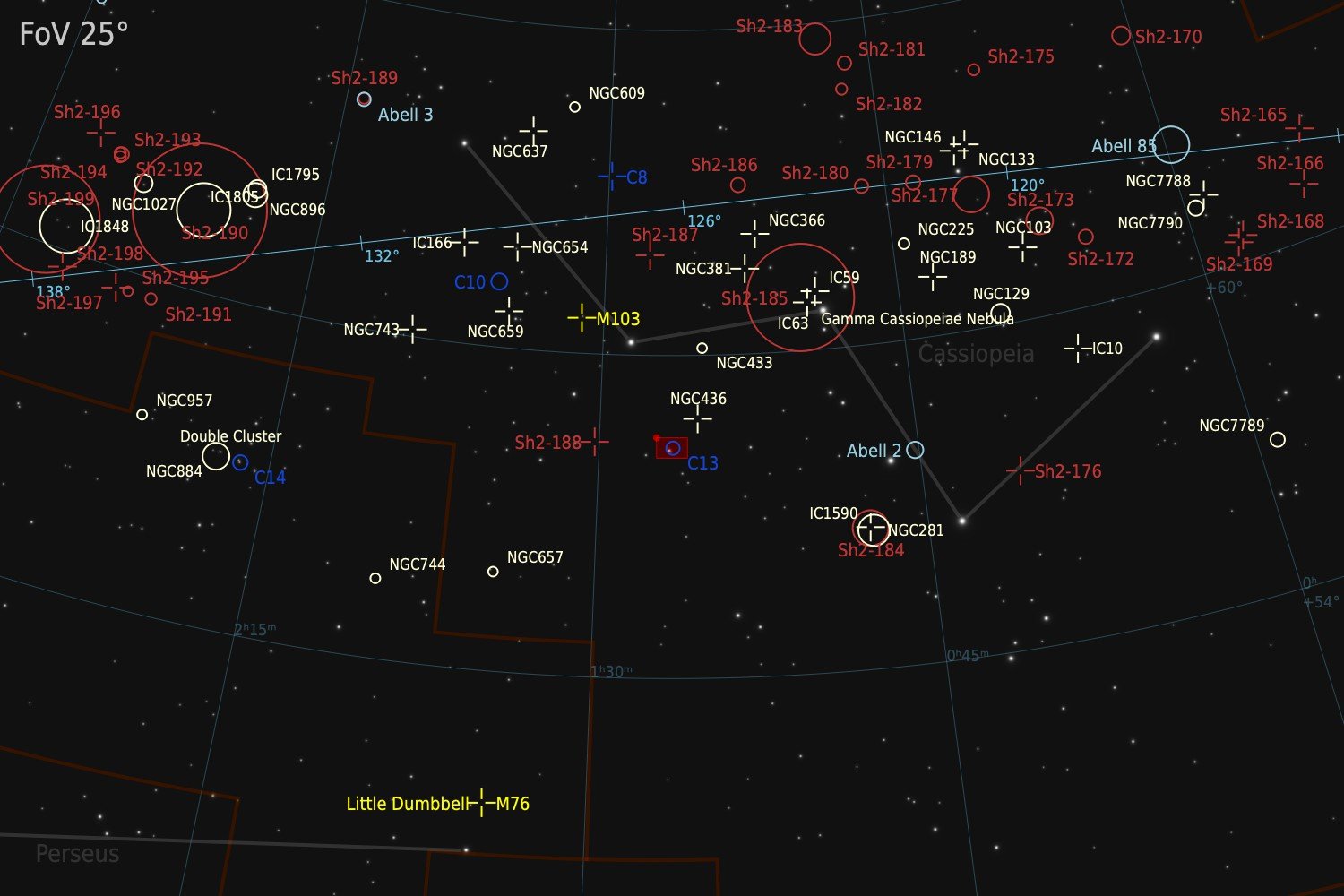
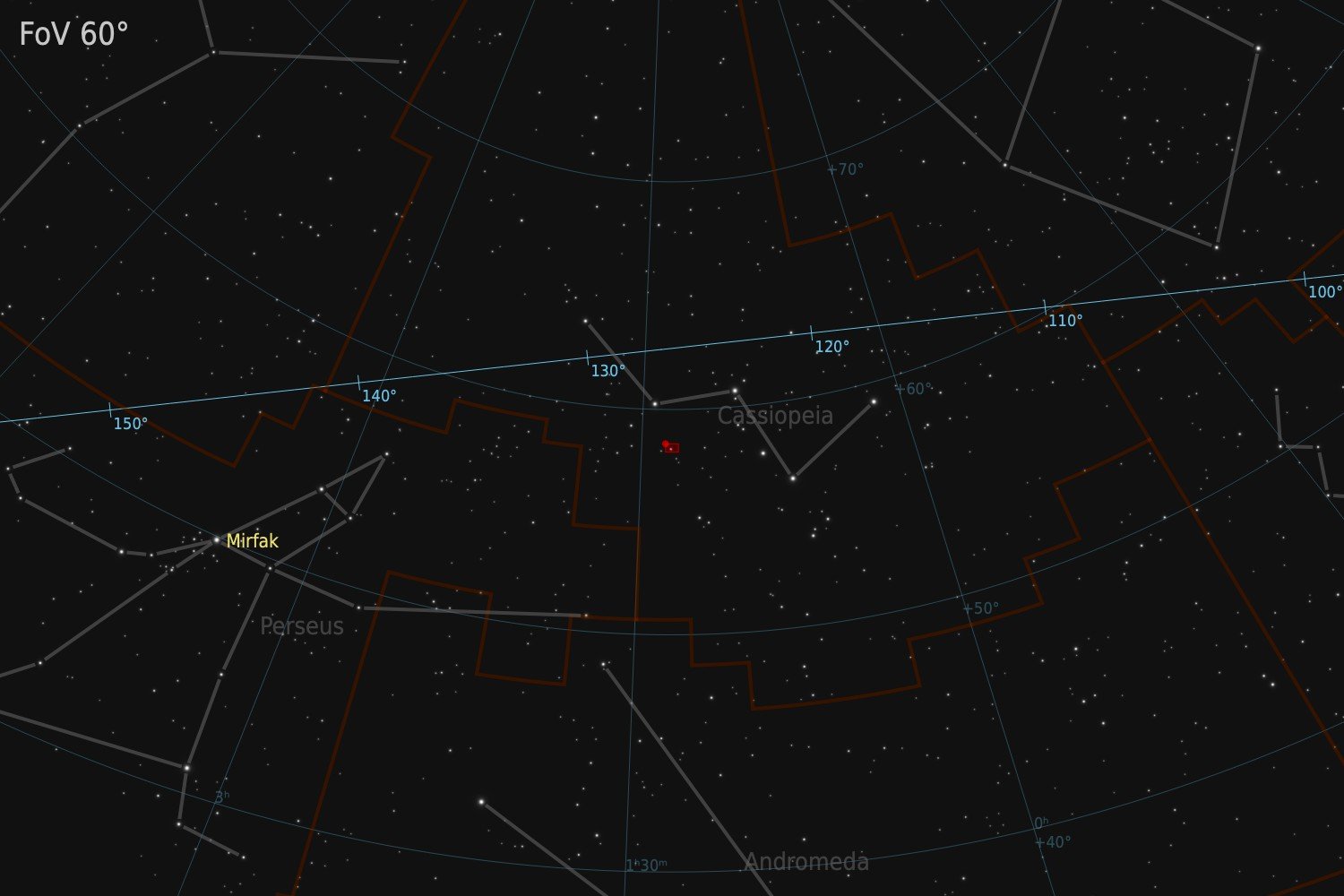
Cassiopeia
RA 1h 19m 41s Dec +58° 16’ 52” | 0°
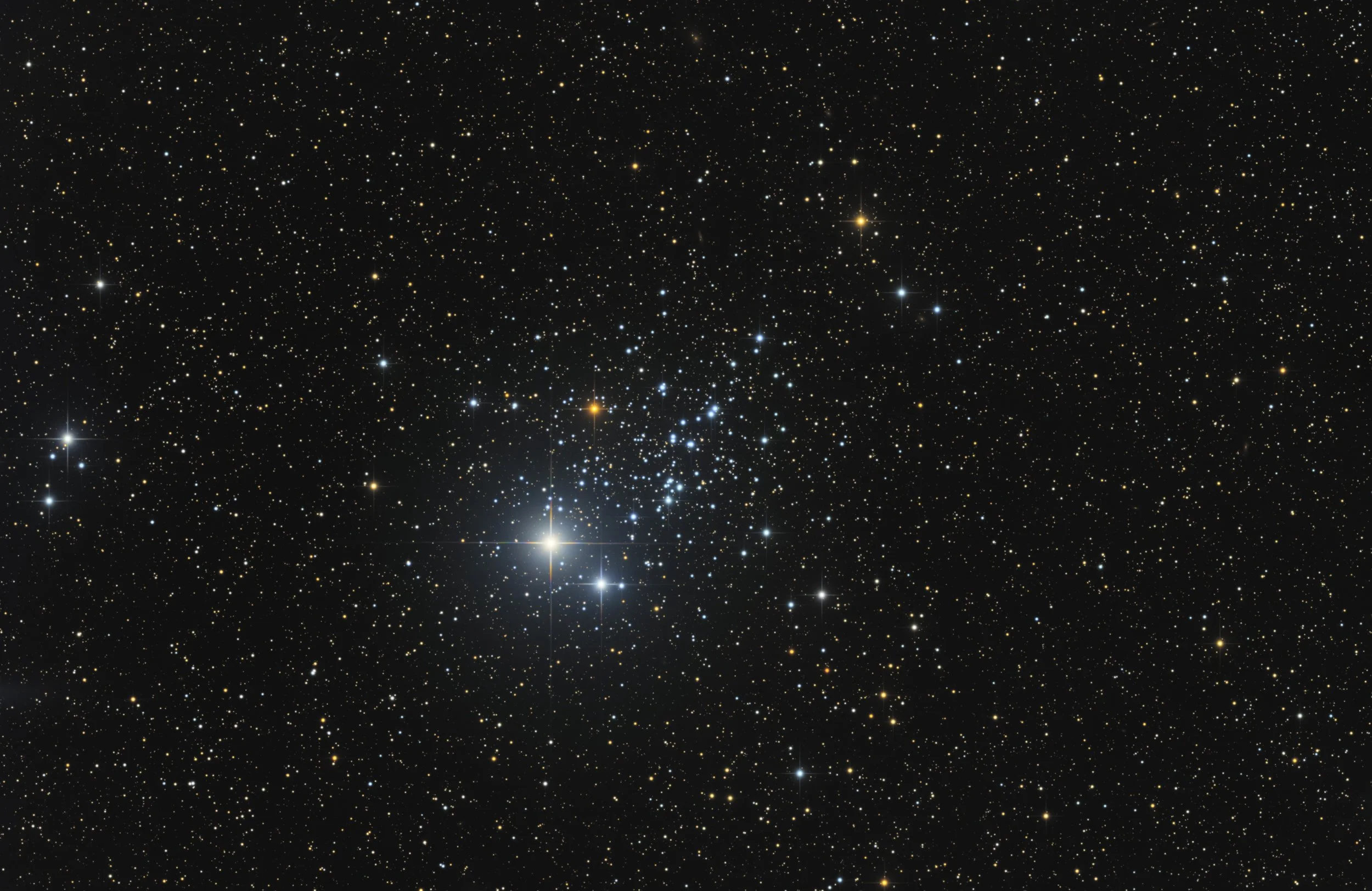
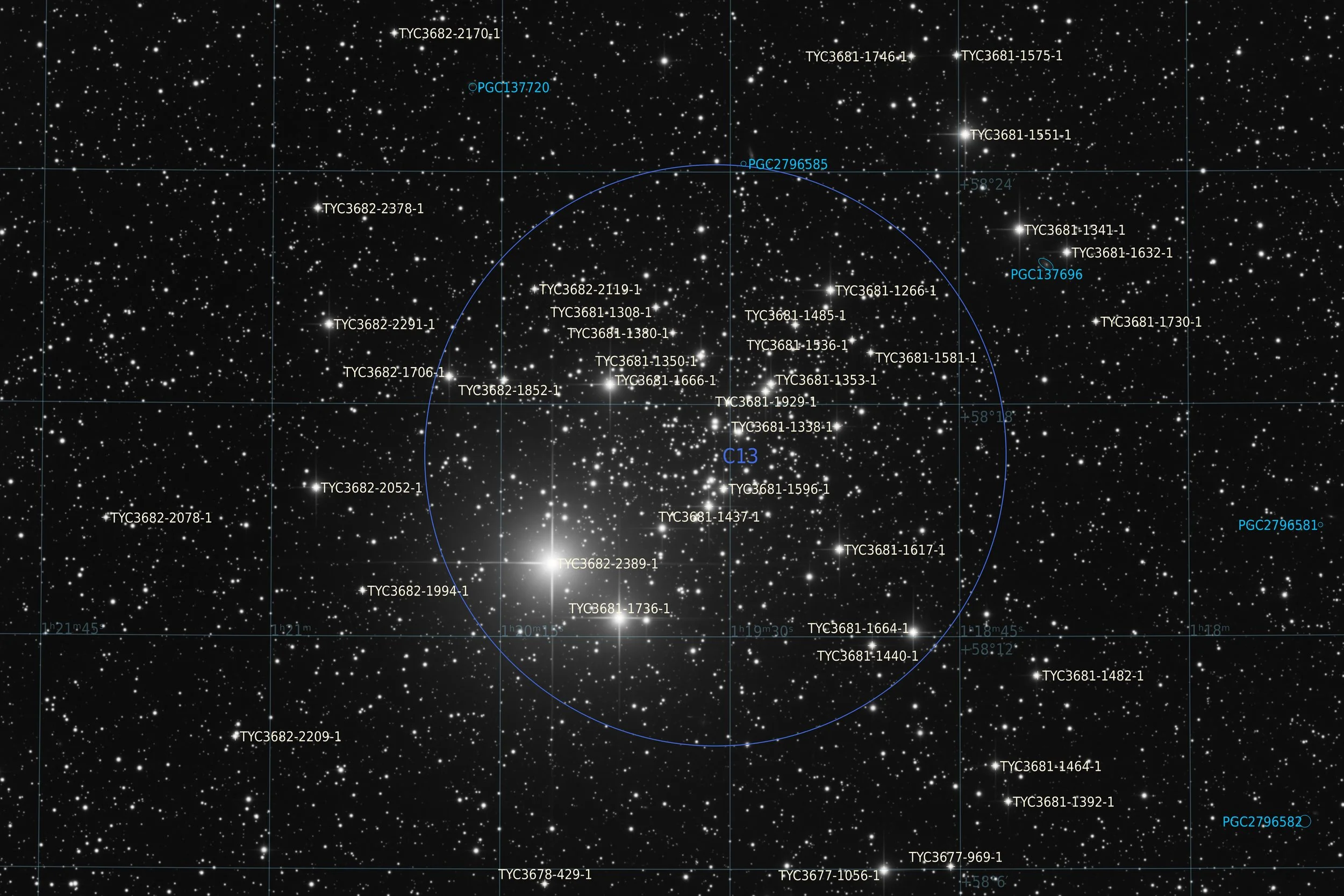
Caldwell 13, also known as NGC 457 or Collinder 12 or Melotte 7, is an open star cluster located in the constellation Cassiopeia. It was discovered by William Herschel on 18 August 1780, The cluster is known by several popular names as well. The most common being the Owl Cluster, reflecting the arrangement of its brightest stars into a shape suggestive of an owl in flight. Other nicknames include E.T. Cluster and Dragonfly Cluster. NGC 457 lies at a distance of approximately 7,900 light-years from Earth and is the brightest open cluster in Cassiopeia, with a combined apparent magnitude of around 6.4, making it just possible to see with the naked eye. It spans an apparent diameter of roughly 15 arcminutes. The cluster is classified as Trumpler type I 3r, indicating a rich, centrally concentrated group well detached from the surrounding star field, with a broad range of stellar magnitudes. The cluster is estimated to be around 21 million years old, making it relatively young. The most visually prominent feature is the pair of bright stars that form the owl's eyes. The brighter of the two is Phi Cassiopeiae, a magnitude 5 yellowish supergiant lying in or near the cluster, with its membership subject to ongoing debate due to its brightness and evolutionary status. The second eye is formed by the seventh magnitude star HD 7902.
Source: Claude.ai
Data Acquisition
Data was collected during 3 nights in September 2026, using a 14” reflector telescope with full-frame camera at the remote observatory in Spain. Data was gathered using standard RGB filters, mainly during full moon periods. Clusters like this are ideal targets for these otherwise challenging periods. A total of approximately 7 hours of data was finally combined to create the final image.
Location Remote hosting facility Roboscopes in Fregenal de la Sierra, Spain (38°N 6°W)
Sessions
Frames
Equipment
Telescope
Mount
Camera
Filters
Guiding
Accessoires
Software
Planewave CDK14 (2563mm @ f/7.2), Optec Gemini Rotating focuser
10Micron GM2000HPS, custom pier
Moravian C3-61000 Pro (full frame), cooled to -10 ºC
Chroma 2” RGB unmounted, Moravian filterwheel L, 7-position
Unguided
Compulab Tensor I-22, Dragonfly, Pegasus Ultimate Powerbox v2
Voyager Advanced, Viking, Mountwizzard4, Astroplanner, PixInsight 1.9.5
Processing
All processing was done in Pixsinsight unless stated otherwise. Default features were enhanced using scripts and tools from RC-Astro, SetiAstro, GraXpert, CosmicPhotons and others. Images were calibrated using 50 Darks, 50 Flats, and 50 Flat-Darks, registered and integrated using WeightedBatchPreProcessing (WBPP). The processing workflow diagram below outlines the steps taken to create the final image.
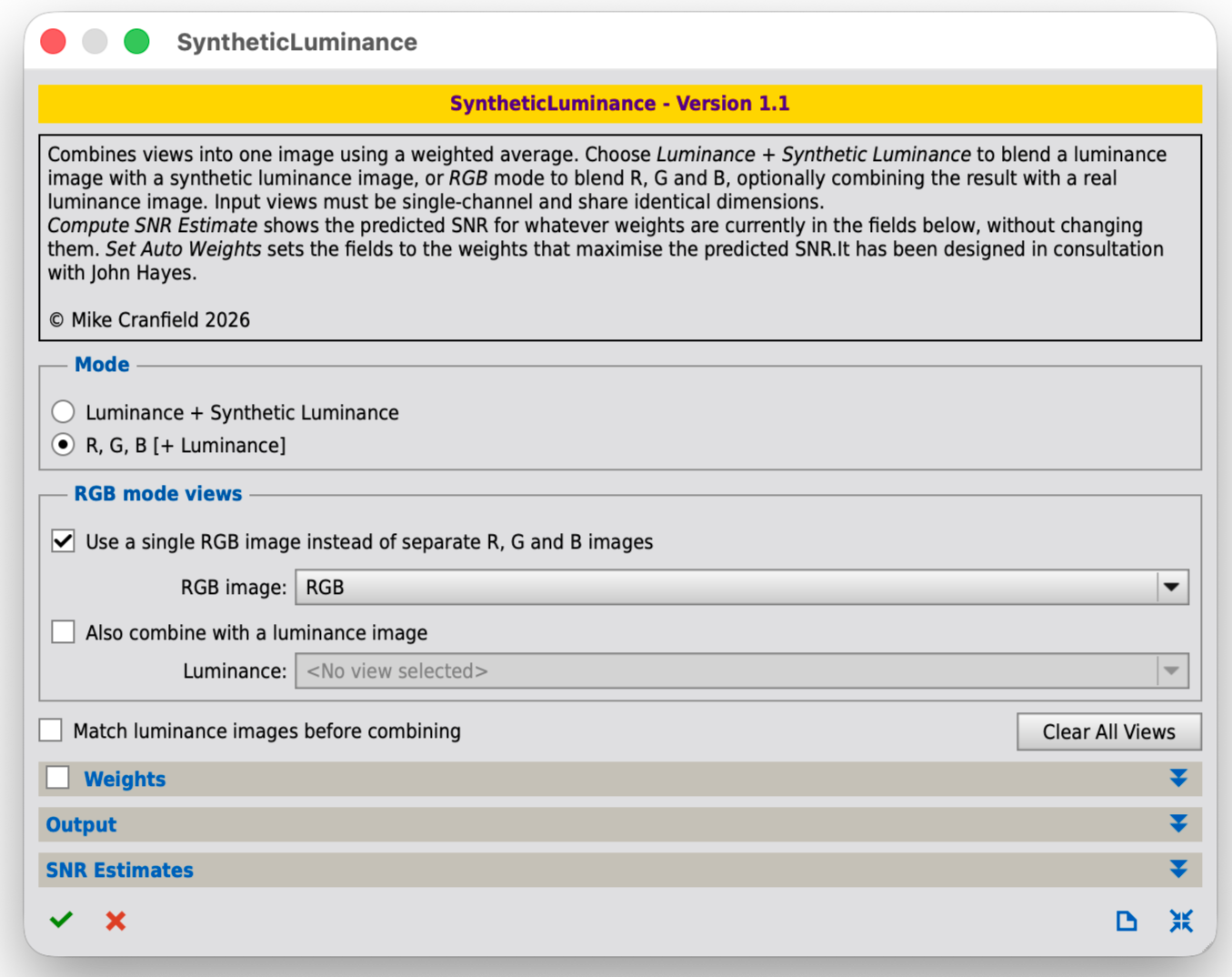
The SyntheticLuminance script is a super easy way to create luminance channels from either RGB or RGB + Lum data. These luminance channels can boost the signal to noise ratio in the lightness channel of your images.
A short while ago, Mike Cranfield from CosmicPhotons and John Hayes have developed a script to create a synthetic luminance from RGB data. In fact it even allows the creation of a synthetic super luminance from a combination of RGB and Lum data. The result being that a luminance signal can be obtained with a higher signal to noise ratio than is otherwise possible. Images of clusters like these I tend to record in RGB only, as there is not a whole lot of dim signal to capture. The drawback is that it can be challenging to make the stars really shine bright. So this was an ideal target to try out the effects of this synthetic luminance. The script is super easy to use. Just select the base images that you have available and press the button. The tool also gives you an impression of the improvement in signal to noise ratio that is achieved. In my case it improved the lightness SNR from around 15dB for RGB alone to 18dB to RGB + Synthetic luminance. On the image it had a dramatic effect, making it much easier to have some of these bright stars to really pop out. So going forward I will definitely be using this script. It would be interesting to see how much improvement can be achieved when you have both Lum and RGB data available.
For anyone interested, you can find information about the script on the CosmicPhotons website, or you can just install it by adding the following repository:
https://www.cosmicphotons.com/pi-scripts/syntheticluminance/The rest of the processing followed a very standard approach. The outline below shows a detailed breakdown of the processing steps applied to the image.
Processing workflow (click to enlarge)
This image has been published on Astrobin.